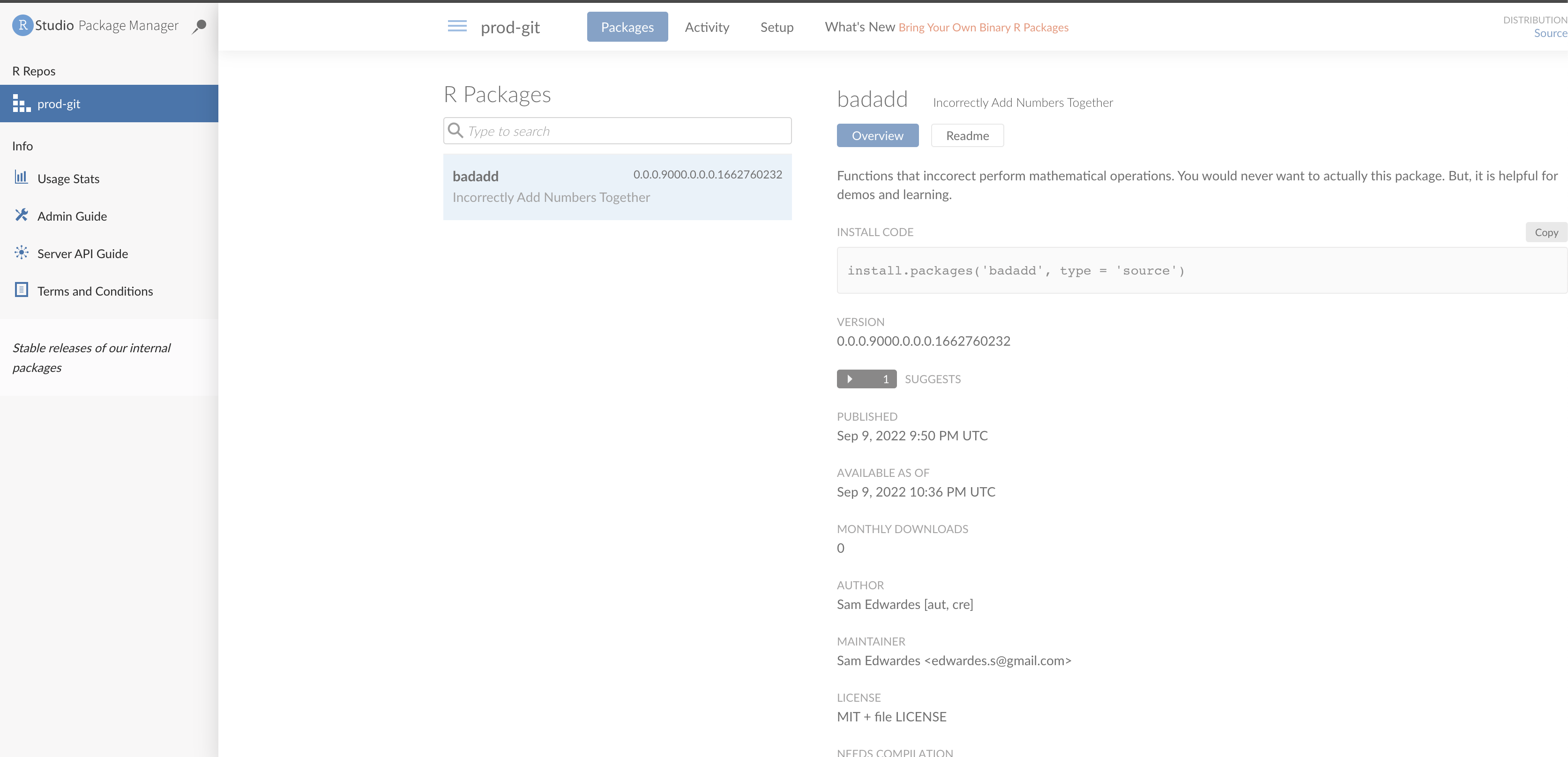
A customer was having trouble deploying Git packages for R to Package Manager. This post demonstrates how to deploy an R package from a private GitHub repository to Package Manager using GitHub Deploy Keys.
Run the Docker Image
We will use this Dockerfile as a starting point. It comes from https://hub.docker.com/r/rstudio/rstudio-package-manager.
export RSPM_LICENSE=XXXX-XXXX-XXXX-XXXX-XXXX-XXXX-XXXX

docker run -it --privileged \
    -p 4242:4242 \
    -e RSPM_LICENSE=$RSPM_LICENSE \
    rstudio/rstudio-package-manager:bionic-2022.07.2-11
Verify that the container is running by opening http://localhost:4242 to access RStudio Package Manager UI.
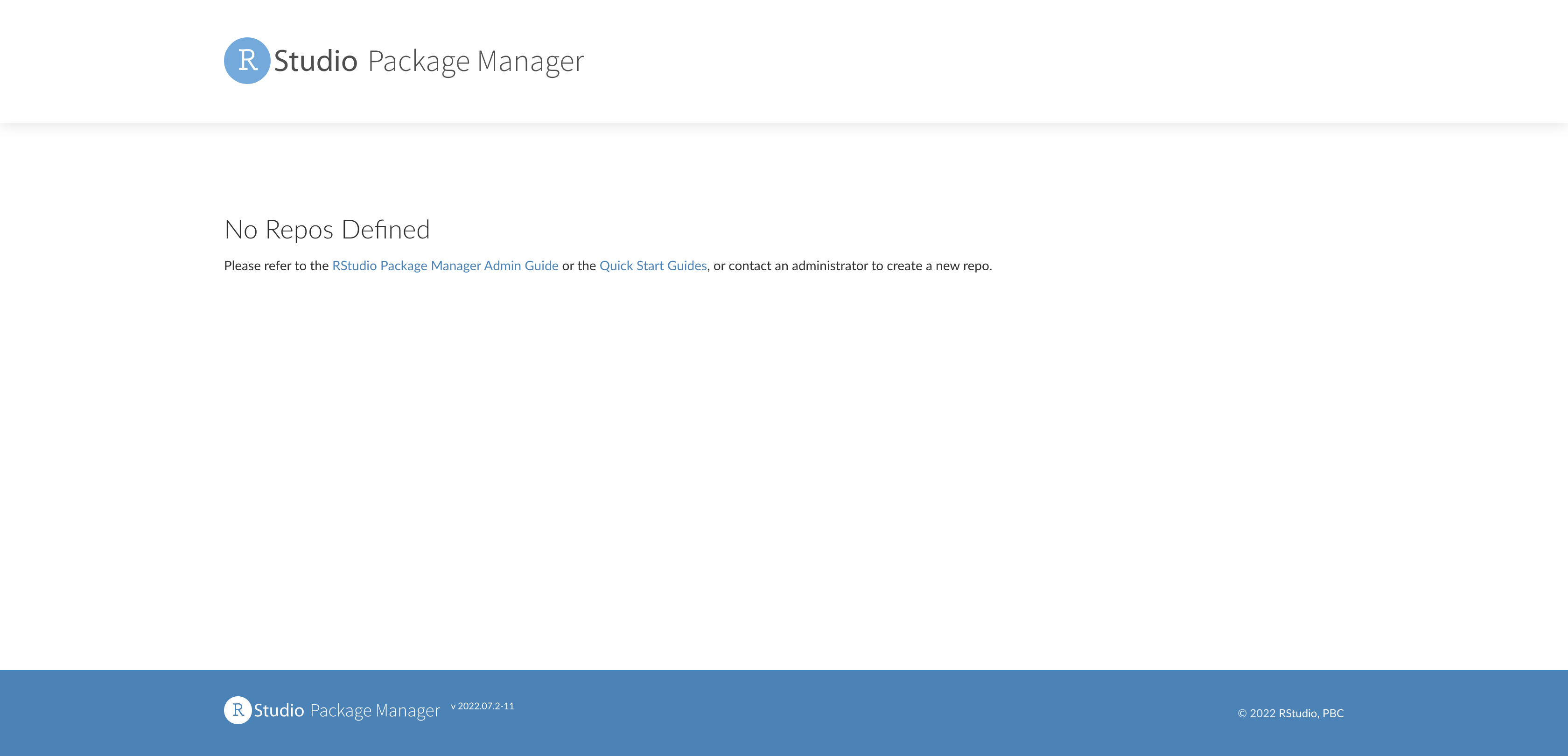
Prompt in Container
To create repositories you need to access the container directly and execute some commands. To do this find the container ID for RSPM:
docker ps
# CONTAINER ID   IMAGE             COMMAND                  CREATED         STATUS         PORTS                    NAMES
# 7781da3a7733   package-manager   "tini -- /usr/local/…"   5 minutes ago   Up 5 minutes   0.0.0.0:4242->4242/tcp   focused_boyd
Open a new terminal. Then use the container ID to enter the bash shell in the container.
docker exec -it 7781da3a7733 /bin/bashCreate a deploy key on GitHub
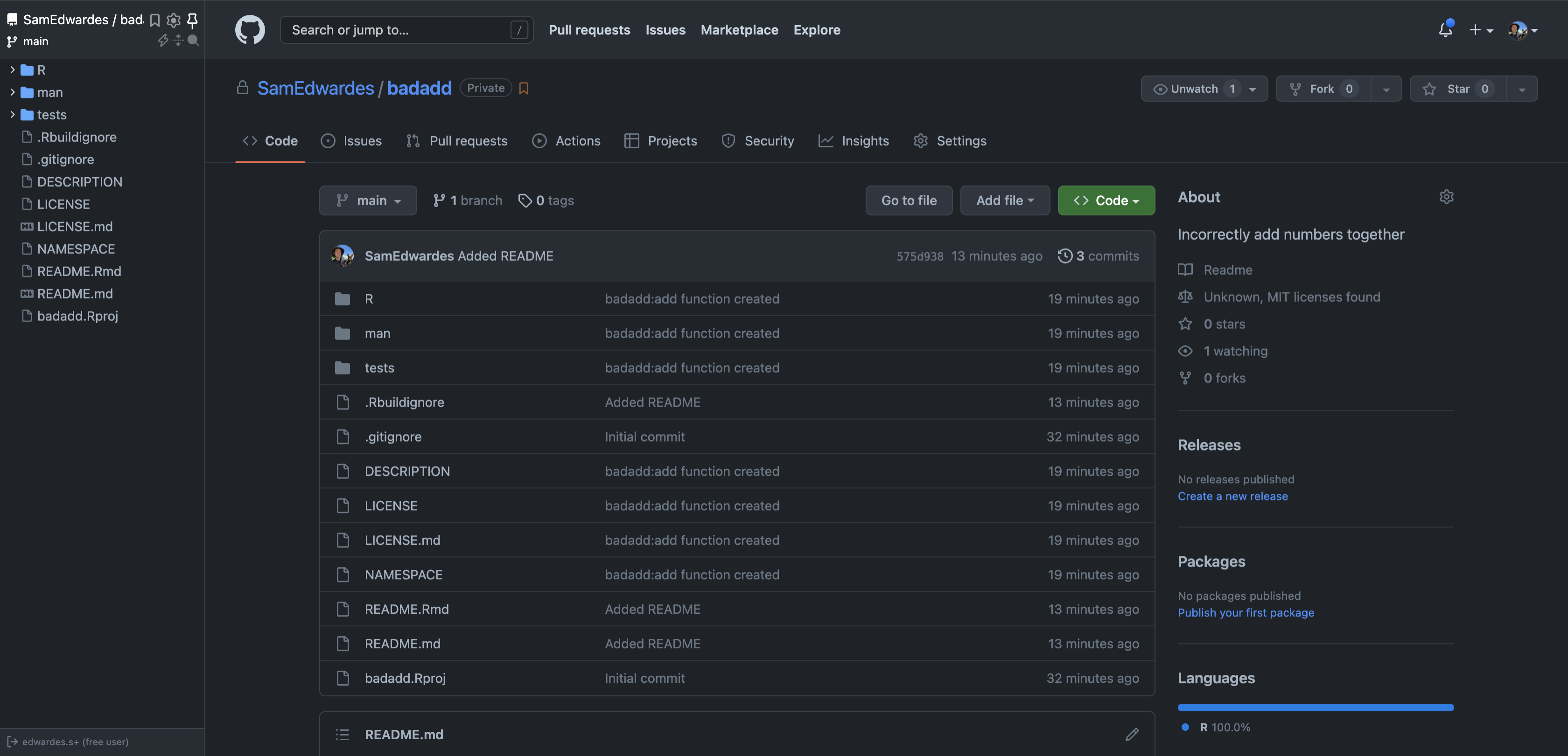
For this blog post I will be using an R package I created called baddadd. You can find it on GitHub https://github.com/SamEdwardes/badadd. For this demonstration I temporarily made it a private repo.
On the server where Package Manager is running create a new SSH key (instructions from GitHub):
ssh-keygen -t ed25519 -C "edwardes.s@gmail.com"I chose to not use a passphrase to keep things simple. But Package Manager does support keys that use passphrases.
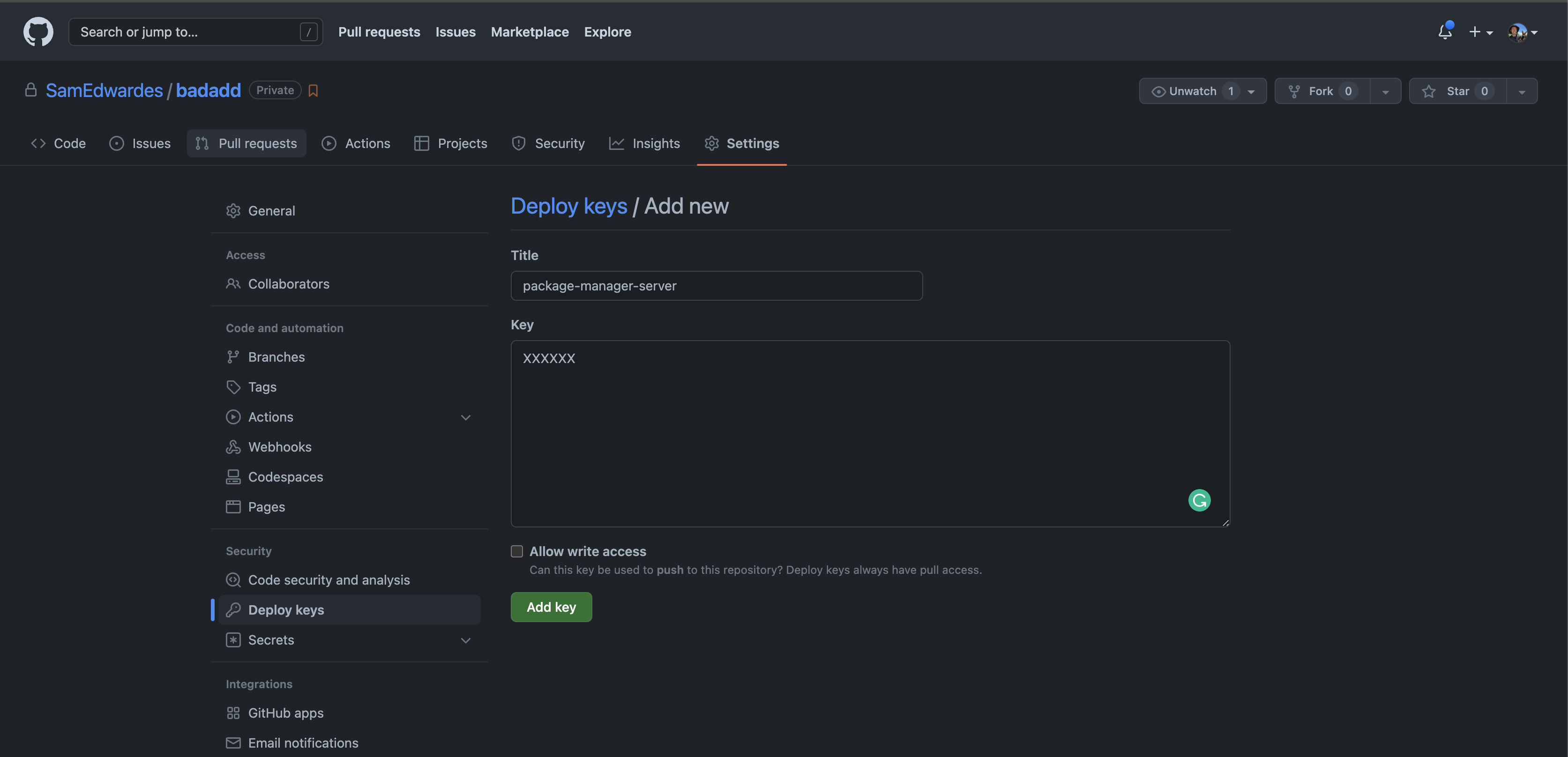
Then add you SSH key to GitHub as a deploy key. Get the public key using:
cat ~/.ssh/id_ed25519.pubThen copy and paste the results of that into your GitHub deploy key.
Add a new git builder
Create a git source:
# Create a new source
rspm create source --type=git --name=prod-internal-src

# Add the ssh key to package manager
rspm import ssh-key --name=baddadd-gh-deploy-key --path=/home/rstudio-pm/.ssh/id_ed25519

# Create a git builder
rspm create git-builder \
    --url=git@github.com:SamEdwardes/badadd.git \
    --source=prod-internal-src \
    --build-trigger=commits \
    --credential=baddadd-gh-deploy-key

# Create a new repo
rspm create repo --name=prod-git --description='Stable releases of our internal packages'

# Subscribe the source to the repo
rspm subscribe --source=prod-internal-src --repo=prod-git
Now visit http://localhost:4242 and verify that the repo and package exist.